Latest Posts
Discover our latest articles and stories
How to Generate Ghost API Keys
To connect this Nuxt frontend to your Ghost CMS, you'll need to generate API credentials. Here's how to do it in just a few minutes. What You'll Need * A Ghost instance (self-hosted or Ghost(Pro)) * Admin access to your Ghost dashboard * 5 minutes of your time Step-by-Step Guide 1. Log Into Ghost Admin Navigate to your Ghost admin panel. The URL is typically: * https://yourdomain.com/ghost (self-hosted) * https://yourdomain.ghost.io/ghost (Ghost Pro) 2. Navigate to Integrations
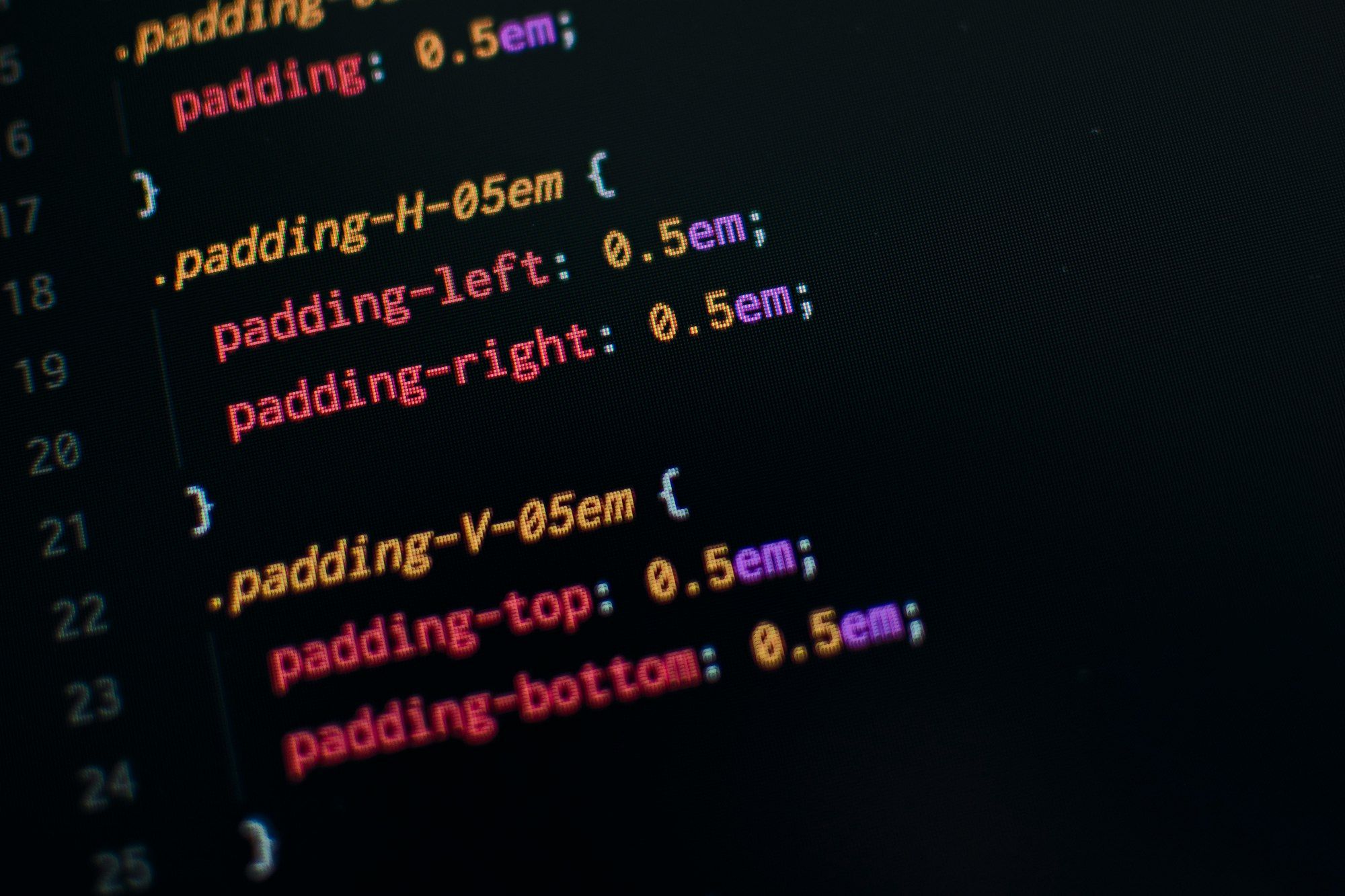
How to Customize Post Styles in This Template
Learn how to customize the look and feel of your blog posts by editing the Ghost CSS file - no complex setup required. One of the best features of this Nuxt + Ghost template is how easy it is to customize your post styles. Everything is centralized in a single CSS file! Where to Find the Styles All post styling lives in app/assets/css/ghost.css. This file contains: * Typography (headings, paragraphs, links) * Ghost card styles (galleries, toggles, callouts) * CSS variables for colors *
Indie games I like
Some pictures Un boton aqui This is a toggle Open this content. Do you like simogo games? More stuff here

Coming soon
This is Mi blog, a brand new site by Sergio that's just getting started. Things will be up and running here shortly, but you can subscribe in the meantime if you'd like to stay up to date and receive emails when new content is published!